

```html
As the Director of Looked After Child Limited, I have spent over seven years on the frontline—from NVQ Level 4 leadership to the daily realities of managing a residential home. I have seen the "paper trail" of a child's life fail them repeatedly during transitions. In 2026, we are finally moving beyond fragmented files. Digital Passports are not just another administrative requirement; they are the professional standard for ensuring placement stability and preserving a child’s sense of identity.
This guide provides an executive-level operational framework for parents, foster carers, and social workers to implement these tools with a focus on trauma-responsive care.
Table Of Contents
What is a Digital Passport?
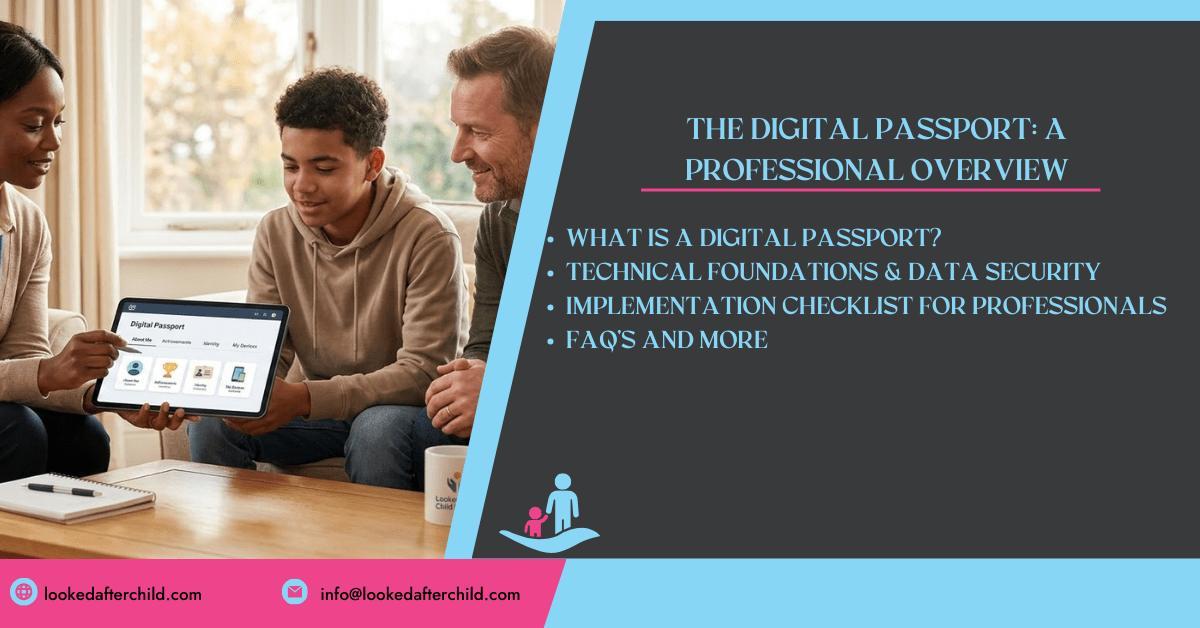
A Digital Passport is a structured, portable digital record designed to help carers understand a child's digital life. Unlike traditional files, which often focus on deficits, this passport captures a child's "essence"—their preferences, achievements, and digital aspirations.
It is composed of three essential parts that must be used together:
- The Introduction: A professional rationale for trauma-informed digital care.
- For Adults and Carers: A secure log of technical data, device ownership, and safeguarding observations.
- For Children and Young People: A child-led space to express their wishes, feelings, and digital world.
The Operational Framework for 2026
To meet modern standards, implementation must go beyond simply filling out a form. It requires a systemic change in how we view technology in the care sector.
1. Technical Foundations & Data Security
Before a placement begins, social workers must provide the "vital information" regarding the child’s digital assets.
- Device Audit: Identify which internet-connected items the child is bringing (tablets, laptops, activity trackers, etc.).
- Ownership & Responsibility: Establish who owns the device and who pays for the contracts or associated accounts.
- Security Protocols: Carers must ensure antivirus software is in place and hardware/software is updated.
- Router Safety: Changing default passwords is a mandatory step in securing the home environment.
2. The Trauma-Informed "Lens"
Research shows that vulnerable children, especially those in the care system, are more likely to encounter online risks. However, removing access is not the answer.
The online world is often a refuge. Children use it to self-soothe, escape tension, and maintain connections that are vital to their mental health. Taking a device away can feel like an erasure of identity, potentially leading the child to seek out "secret" devices that are far more dangerous.
3. Multi-Agency Implementation
The "team around the child" must treat the passport as a living document.
- Social Workers: Should ascertain key information at the start of every placement.
- Carers: Update the document regularly during supervision and reviews.
- Education Leads: Schools should be aware of the passport to ensure consistency during Personal Education Plan (PEP) or EHCP reviews.
Implementation Checklist for Professionals
When setting up a Digital Passport, follow these five core values:
- Safety: Every digital interaction must encourage a sense of security.
- Trustworthiness: Decisions regarding internet access must be fair, consistent, and understandable.
- Choice: Ensure the child has a say in who sees their section of the passport.
- Collaboration: Build digital rules with the child, not to them.
- Empowerment: Focus on building the child's strengths to navigate the online world independently.
Digital Safeguarding: Handling Incidents
In 2026, we view online incidents as learning opportunities. If a child encounters harm:
- Stay Calm: Manage your own reactions to contain the problem.
- Maintain Boundaries: Distinguish between the child and the behavior—it is the behavior that is not liked.
- Encourage Disclosure: Ensure the child knows they have a right to help without the fear of their device being taken away.
- Update the Passport: Record the incident and the support provided to ensure future carers are aware of the risks.
The Lived Experience Vault
For professionals seeking deeper insights into how fragmented records impact long-term mental health, please access our Lived Experience Vault. This secure environment provides professionalized insights into "digital displacement" and why information continuity is a critical protective factor for children in care.
Frequently Asked Questions (FAQ)
What is the primary benefit of a Digital Passport? The primary benefit is continuity of care. It prevents a child from having to repeat their story every time they move placements, as the new carer already has a trauma-informed "road map" of their digital needs.
How do we ensure the child’s privacy is protected under GDPR? Information must be treated with care. One professional tip is to use email addresses that do not identify the child by name, making the accounts more secure and portable.
Can a child refuse to fill out their section? Yes, they do not have to fill it in. Engagement should happen at a pace that makes sense to them, often through day-to-day chats rather than formal questioning.
Who owns the devices a child brings into a placement? Ownership varies; it may be the child, their birth family, or a school-provided device. The passport records this to ensure that if a child leaves, they can take their digital assets with them.
What are the rules for photos appearing online? The passport requires carers to record steps regarding photos. You must verify permissions for family photos and ensure safeguarding arrangements are in place for school events or remote therapeutic sessions.
```
0 Comments